
Drawings or CAD
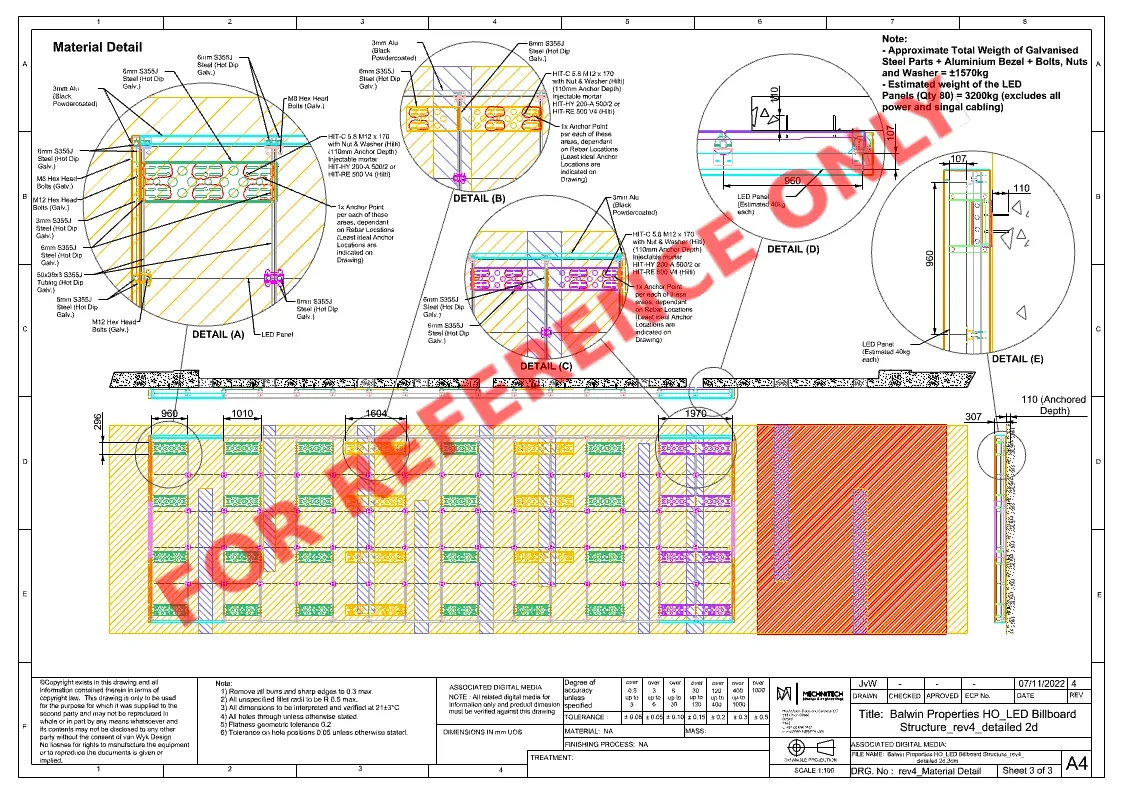
PDF drawings, CAD files, sketches, renders, screenshots or reference images.
RFQ Guide
A useful quote request gives Mechnitech enough technical and commercial context to assess the next step without chasing basic information.
What to prepare
Prepare the details Mechnitech needs to assess scope, materials and timing clearly.
PDF drawings, CAD files, sketches, renders, screenshots or reference images.
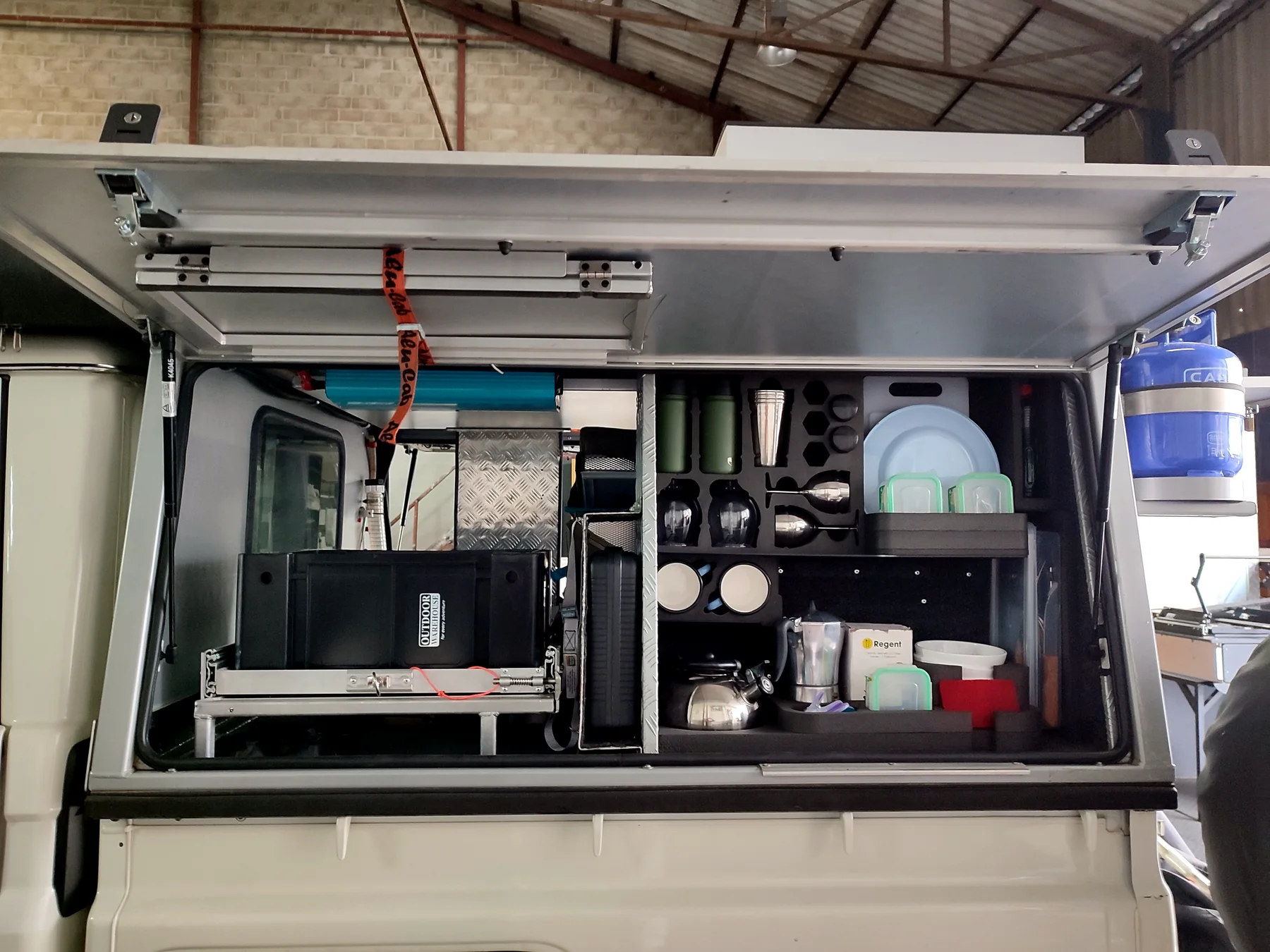
Clear photos of existing parts, damage, mounting points, installation areas and scale references.
Preferred material, finish, exposure conditions, wear requirements and any supplier constraints.
One-off, prototype, batch, repeat range, repair, event deadline or installation date.
Controlled file handling
The RFQ process keeps drawings, photos and project files connected to the enquiry so Mechnitech can review context, file types and next-step requirements together.
| File type | Purpose |
|---|---|
| Drawings, spec sheets and project briefs. | |
| JPG / PNG | Photos, sketches, screenshots, renders and reference images. |
| DWG / DXF / STEP / IGES | CAD and manufacturing review files when accepted for the specific request. |
| ZIP | Grouped project files when a request needs several references. |
Next action
Once the essentials are ready, send the request and Mechnitech can review the available information.
Include what you have now. Mechnitech can ask for missing detail after the first review.